
Creating a team
What it is. A named group you can invite colleagues into.
Where. Profile avatar (top right) → Settings → Teams → Create New Team, or the + next to Team in the sidebar (Create new team).
How.
- Open Settings → Teams.
- Click Create New Team.
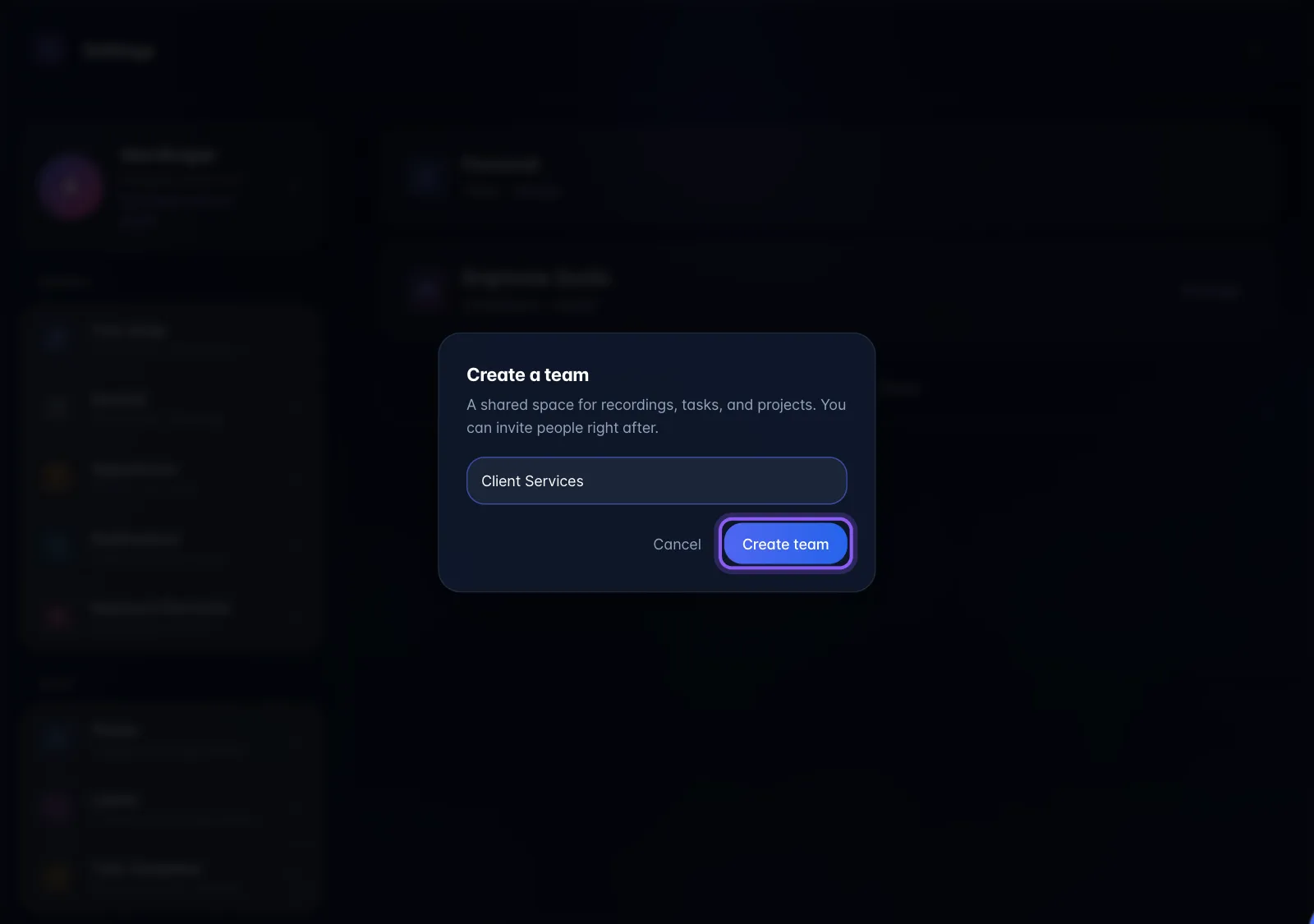
- Type a name in the box that opens and click Create Team.
From the sidebar, choose the + next to Team instead. In the Create a team dialog, type a name and click Create team.
Limits and gotchas.
- The name "Personal" is reserved: the app rejects it with an error.
- On Free / pay-as-you-go you cannot create a team. If you are not in any team, the Teams panel shows an upgrade card that says joining is free. If someone has invited you into a team, the panel lists those teams as usual, without Create New Team.
- Creating a team does not cost a seat and is not connected to seat billing.
Plan gating. Creating a team is for paid plans only: Pro, Pro (Legacy) or Pro w/ AI Employee. Joining a team you were invited to is free on every plan. The gate is applied in the interface rather than on the server, so an account that created a team earlier on a paid plan may still see it.